



What Are the Safety Considerations for Using Cooling Fans?
Cooling fans play a critical role in keeping electronic systems stable, efficient, and protected from heat-related failures. However, their performance and lifespan depend greatly on how safely they are installed, operated, and maintained. Electrical risks, mechanical hazards, improper lubrication, and harsh environmental conditions can all lead to premature failures—or even create safety concerns for surrounding equipment and users.
This guide summarizes the essential safety practices for cooling fan usage, from electrical precautions to mechanical protection, maintenance routines, and environmental considerations, helping ensure long-term, reliable cooling performance in any application.
Cooling Fan Electrical Safety
Electrical safety is a key part of installing and using a cooling fan. The motor and wiring are directly exposed to power fluctuations, wiring errors, and the surrounding environment, so any mistake on the electrical side can quickly show up as a real problem. Poor design or careless installation doesn’t just shorten the cooling fan’s lifespan — it can lead to overheating, damage to nearby equipment, and in extreme cases, fire or electric shock. Making sure the fan is wired correctly, supplied with stable power, and kept in a clean electrical environment is the basis for safe and reliable dc cooling fan operation.

1.Correct Power Connection for DC Cooling Fan
When wiring a DC cooling fan, always check both the polarity and the rated voltage against the product datasheet. DC fans without reverse-polarity protection are especially sensitive: if the positive and negative leads are reversed, the fan may fail almost instantly and could also damage the power module or control circuitry it’s connected to. At the same time, try not to pull, twist, or sharply bend the fan cable. Over time, mechanical stress on the wires can crack solder joints or break the conductors inside, which often shows up later as intermittent power loss, random device restarts, or a complete failure that’s hard to troubleshoot.
2.Avoid Overcurrent and Locked-Rotor Conditions in Industrial Cooling Fan Operation
For cooling fans that don’t have locked-rotor protection, never force the blades to stop while the fan is powered, and avoid letting cables, labels, or other objects get drawn into the airflow and jam the rotor. A stalled fan still draws current but can’t get rid of heat through rotation, so the motor coil temperature rises quickly, damaging insulation and severely shortening the cooling fan’s life — or even burning out the motor. Similar issues can come from long-term overcurrent, such as running the cooling fan above its rated load or asking it to work against too much back pressure in a sealed or poorly ventilated enclosure. Good system design keeps the air inlets and outlets clear and ensures the industrial cooling fan always works within its specified electrical and mechanical limits.
3.Prevent Electrical Damage from Contaminants in Industrial Cooling Fan Systems
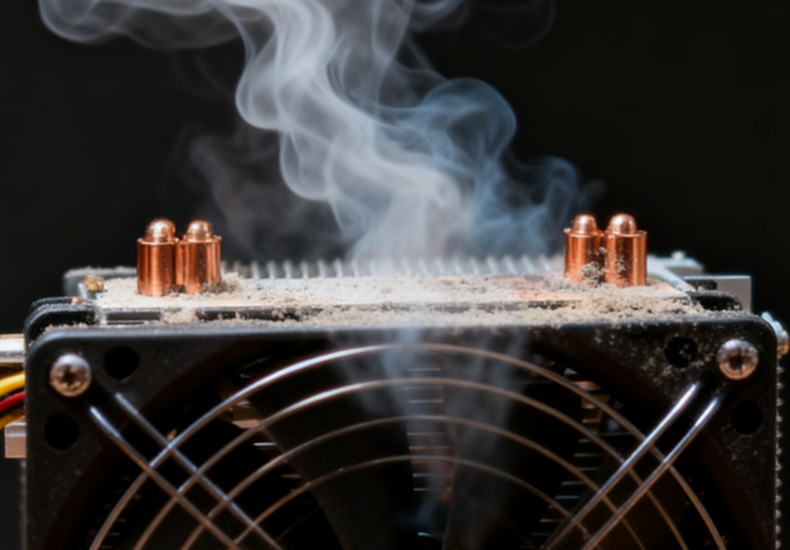
When dust, oil mist, or moisture get into the motor housing, PCB, or connector area of a cooling fan, they can create leakage paths, increase contact resistance, or lead to small sparks and partial discharge. Over time, this kind of contamination speeds up corrosion of metal parts, weakens insulation, and raises the risk of short circuits, especially in humid, dusty, or industrial environments. To keep these risks under control, try to keep terminals and connection points on the cooling fan as clean and dry as possible, add covers or enclosures where needed, and include simple visual checks and cleaning in your regular maintenance plan so small problems are caught before they turn into serious electrical faults.
Physical and Mechanical Safety for Industrial Cooling Fans
A dc cooling fan operates with high-speed moving parts that remain exposed during normal operation. If handled carelessly, these components can cause personal injury or damage nearby hardware. Paying attention to basic physical and mechanical safety not only protects the cooling fan itself but also improves the overall reliability of the system it supports.
1.Avoid Contact with Rotating DC Cooling Fan Blades
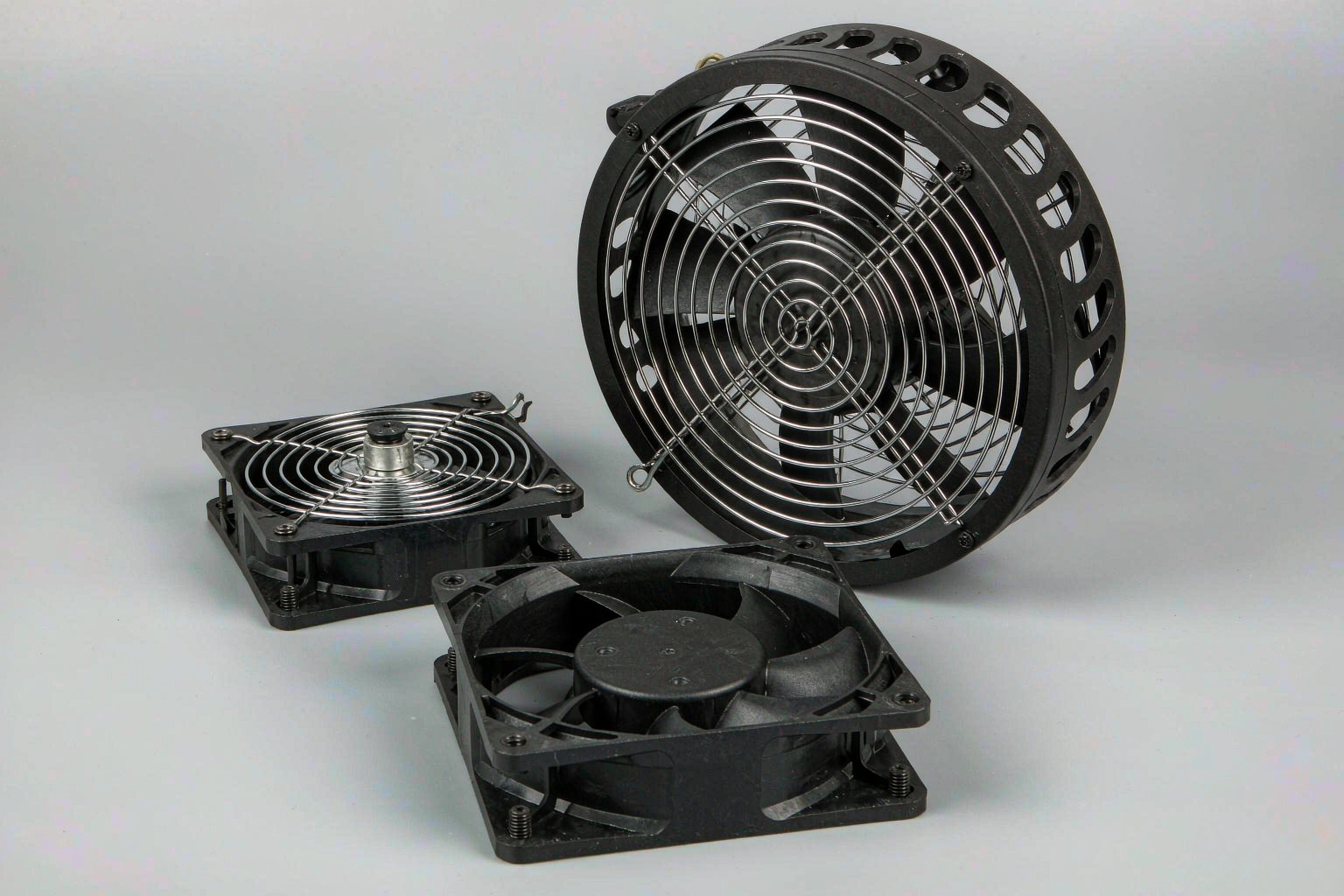
Keep hands, tools, and any foreign objects away from a running cooling fan. Even seemingly light blades can carry significant momentum at high RPM, and accidental contact may result in cuts, pinching injuries, or chipped blade edges. This is especially true for compact, high-speed cooling fans, where the small size can make the rotational force easy to underestimate.
Whenever adjustments or installation work need to be performed near the dc cooling fan, switch off the power first. Handling a stationary cooling fan reduces accidental contact risks and allows for more precise and controlled installation.
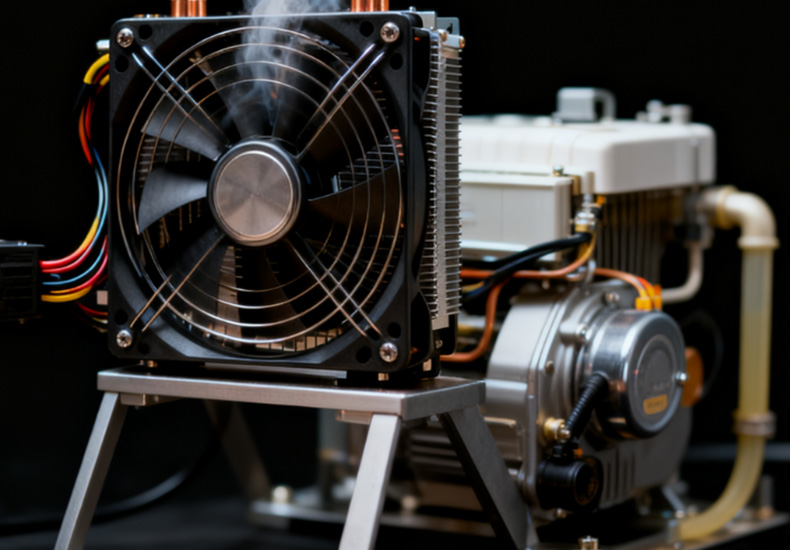
2.Prevent Structural Damage from Cooling Fan Impact or Dropping
Cooling fans are sensitive to impact. A fall from about 100 cm or a strong bump may subtly deform the frame or blades. Such deformation might not be visible immediately but often manifests later as vibration, unusual noise, or reduced airflow. In more serious cases, it may accelerate wear on the motor or bearings and shorten the cooling fan’s lifespan.
Similarly, avoid placing heavy objects on top of the industrial cooling fan or applying pressure during assembly. The housing is optimized for airflow, not for bearing external loads, and excessive pressure can distort the structure and affect long-term performance.
3.Prevent Cable Entanglement Around the Cooling Fan
Make sure the power cable and nearby wiring remain clear of the industrial cooling fan’s rotating path. A loose cable touching the blades can easily be pulled into the rotor, potentially bending blade tips, damaging the fan shaft, or tearing the wire’s insulation.Good cable routing — using clips, cable ties, or built-in guides — keeps the cooling fan running safely and results in a cleaner, more reliable internal layout. This is especially important in compact electronic devices where space is limited.
4.Control DC Cooling Fan Vibration and Resonance
Incorrect installation of a cooling fan can create unwanted vibration or resonance with the chassis or enclosure. Over time, these mechanical stresses accelerate wear on bearings and the motor, generate additional noise, and reduce cooling performance.
To prevent these issues, ensure the dc fan is mounted on a flat and stable surface, with all mounting points properly aligned. Using the appropriate screws or vibration-dampening hardware helps maintain a secure and stable installation.
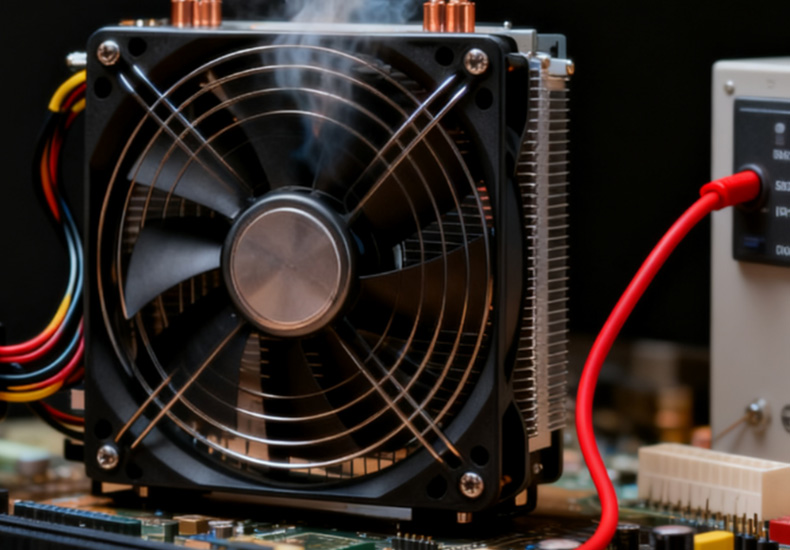
5.Maintain Proper Torque When Installing a Industrial Cooling Fan
When securing a cooling fan with screws, pay attention to tightening torque. Exceeding roughly 4 Kgf can deform the fan frame, causing the rotor to shift slightly off-center. This misalignment leads to friction, imbalance, and increased noise, ultimately affecting efficiency and lifespan.
Tightening screws evenly and using the correct tools ensures that the cooling fan sits properly in its mounting location, supporting smooth operation and reducing long-term vibration.
Operational and Maintenance Safety for DC Fans
Good operational habits and consistent maintenance are essential to keeping a cooling fan running reliably over its full service life. Many cooling fan issues — from early bearing wear to sudden performance drops — can be traced back to inadequate lubrication, prolonged overheating, or dust and oil accumulation. Understanding these factors and maintaining the cooling fan proactively helps prevent early failures and ensures the system performs as intended.
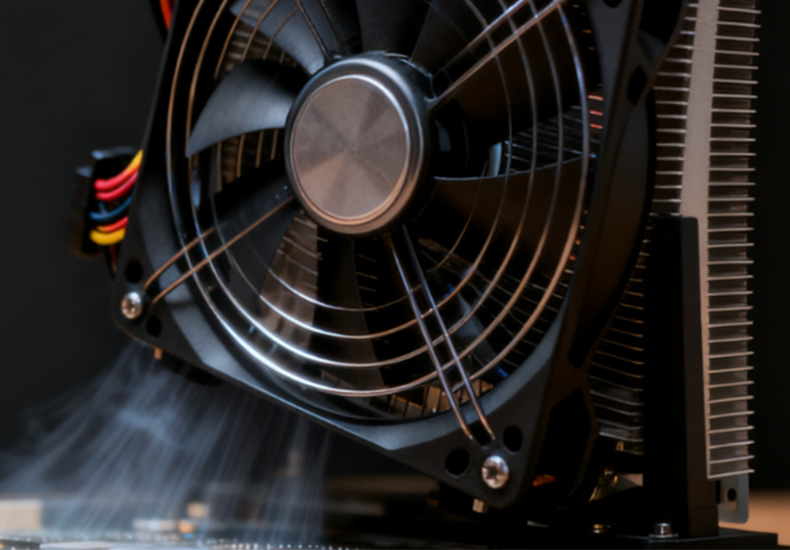
1.Understanding Bearing Wear in High-Temperature DC Fan Operation
Cooling fan bearings naturally age as they operate, but high temperatures accelerate this process considerably. Heat promotes the formation of metal oxides inside the bearing, and these residues gradually blend with or react against the lubricating grease. As lubrication loses its protective properties, the bearing surfaces experience more friction, which in turn leads to increased noise, rising temperatures, and eventually mechanical breakdown.
Adjusting the dc cooling fan’s workload can help slow this progression. When airflow demand is low, operating the fan at a reduced RPM lightens mechanical stress on the bearings. Higher RPM should be used only when the application truly requires stronger airflow or higher static pressure.
2.Lubrication Management for Industrial Cooling Fan Bearings
Lubrication is the key factor that keeps cooling fan bearings running smoothly. Fans exposed to elevated temperatures must rely on high-quality lubricant to prevent premature breakdown. Over time, however, contaminants like dust, moisture, and fine particles infiltrate the lubricant and weaken its protective properties.
Once lubrication degrades, the cooling fan may begin to exhibit warning signs such as elevated noise levels, higher friction, or sudden bearing failure. A dependable maintenance routine should include refreshing the grease, cleaning bearing contact surfaces, applying new lubricating oil, and checking the motor for any irregular behavior. These steps help maintain consistent performance and reduce the likelihood of abrupt malfunction.
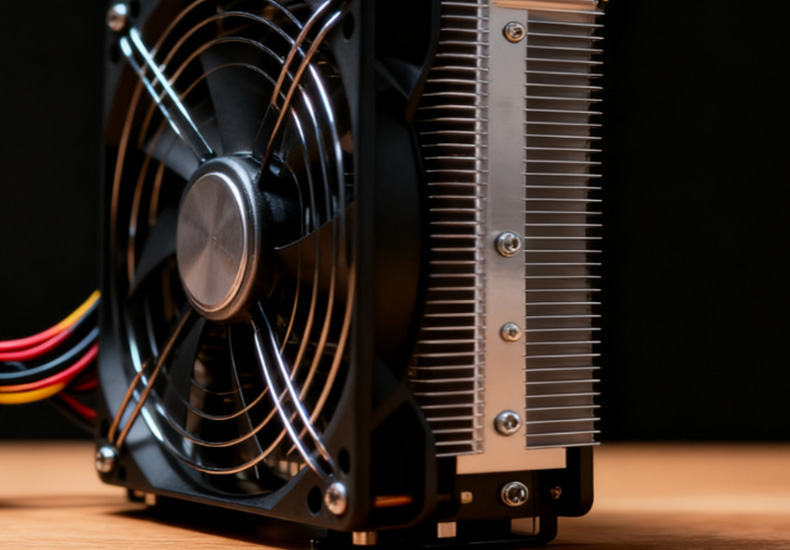
3.Managing Dust, Oil, and Moisture in Cooling Fan Maintenance
Contaminants — especially dust, oil residue, and moisture — can gradually compromise a cooling fan’s performance. They increase running noise, hinder bearing movement, and place strain on the motor as debris accumulates inside the housing. Over the long term, this buildup can cause overheating or early component failure.
Regular cleaning should involve brushing or wiping exposed areas and using compressed air to clear loose debris. In cases where contamination is heavier, partial disassembly may be necessary to thoroughly vacuum internal areas, clean surfaces with alcohol, and remove any sticky residues or sludge. Keeping the cooling fan clean is a direct investment in long-term reliability.
4.Routine Inspection Tasks for Cooling Fans
Periodic inspection helps catch issues early before they grow into more serious failures. During these checks, verify that the motor operates smoothly and that there are no unusual sounds or vibrations. Inspect mounting brackets and screws to ensure nothing has loosened over time. Also make sure the cooling fan blades spin freely without obstruction, as even minor interference can reduce efficiency and strain the motor.
5.Storage Considerations for Oil-Lubricated Cooling Fans
Cooling fans that rely on oil-based lubrication are sensitive to extended storage. Ideally, they should be placed into service within about 12 months. Long-term storage — especially in environments with fluctuating humidity or temperature — may cause the lubricant to oxidize or separate, affecting startup performance and overall reliability. Proper storage conditions and occasional checks help preserve lubrication quality before the cooling fan is reinstalled or used.
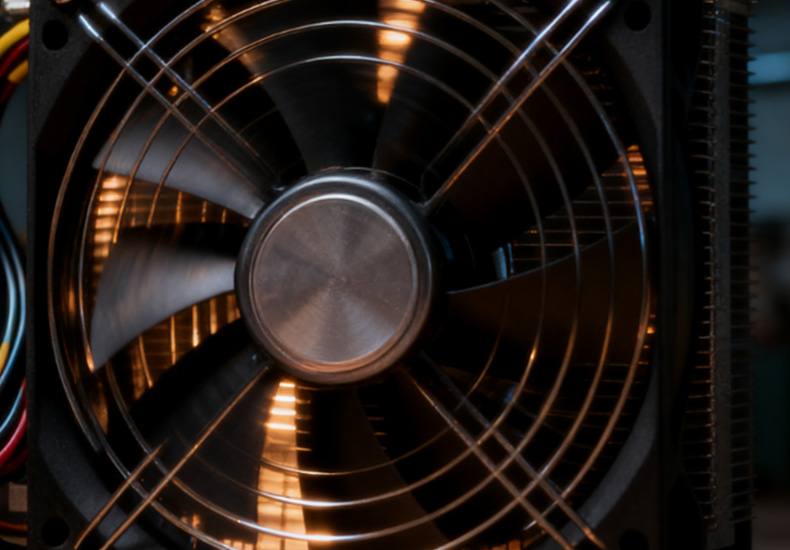
Environmental and Usage Considerations for Cooling Fans
Item | Key Point | Recommendation |
Temperature Control | Cooling fans must operate within their rated temperature range. Extreme heat or cold can damage the fan and its lubrication. | Avoid using standard fans above 80°C; check ambient temperature and make sure airflow is not blocked. |
Harsh or Hazardous Areas | Cooling fans are not suitable for explosive, flammable, highly oily, corrosive, or very humid environments. | Do not use standard cooling fans in hazardous locations; use specially rated models if required. |
Foreign Object Ingress | Dust, water droplets, insects, and debris entering the cooling fan reduce lifespan and stability. | Protect the fan housing; use guards or filters and clean them regularly. |
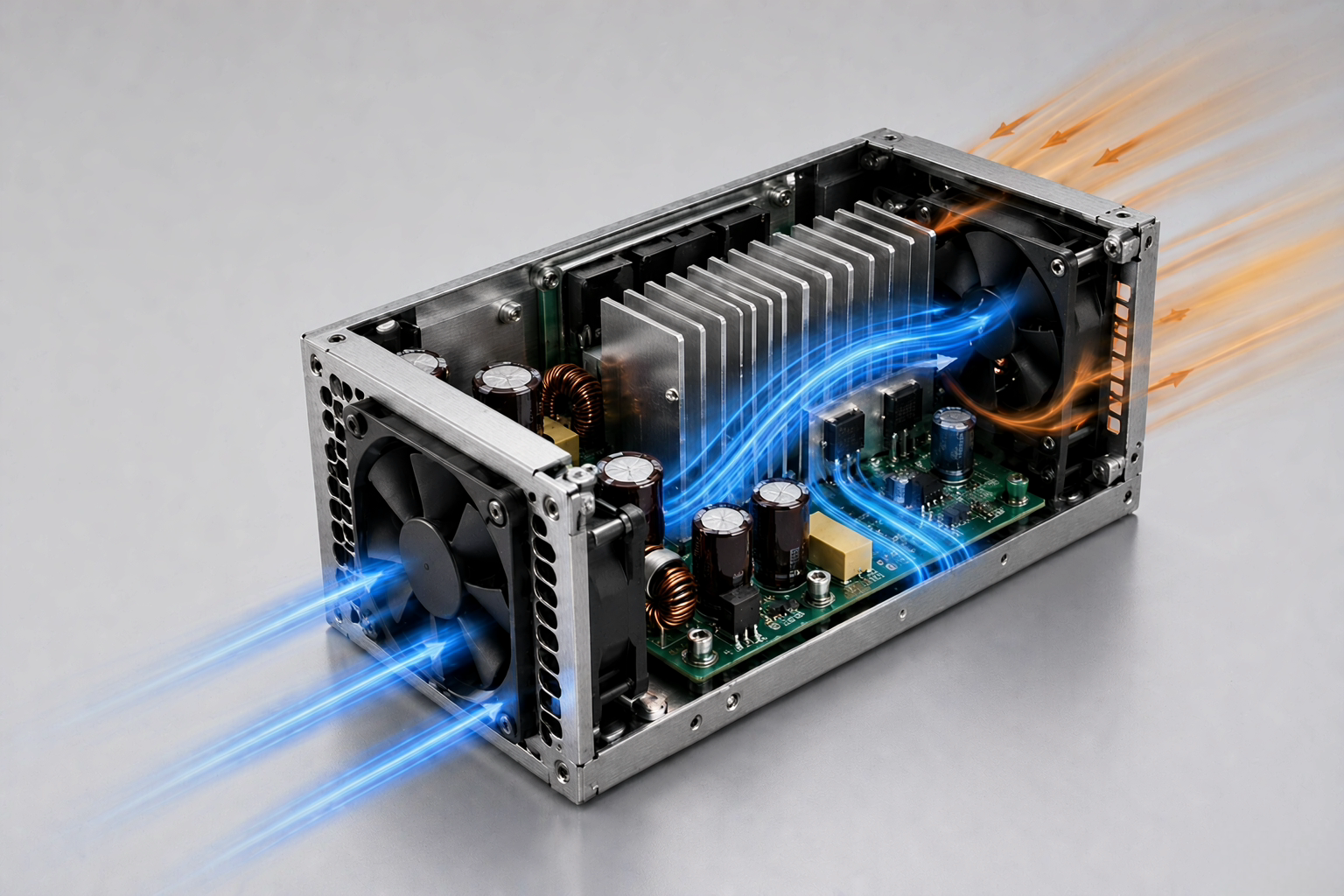
Airflow and Load | Blocked airflow increases motor load, power consumption, temperature, and bearing wear. | Ensure enough clearance on both intake and exhaust sides so the cooling fan can move air freely. |
Read more:
https://www.yccfan.com/articledetail/548.html
https://www.yccfan.com/articledetail/546.html
Conclusion
A cooling fan may seem like a simple component, but its safety and reliability rely on proper handling at every stage—from wiring and installation to daily operation and long-term maintenance. By following the best practices in electrical safety, mechanical protection, lubrication care, and environmental control, you can significantly extend the lifespan of the cooling fan while reducing the risk of equipment damage or unexpected downtime.