

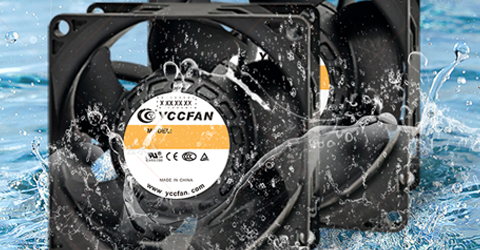




How to Identify a Truly Quiet DC Cooling Fan
This guide breaks down what really causes noise in dc fans, which design features matter most for quiet operation, how to read and question noise specifications, and simple hands-on checks you can perform yourself. By the end, you’ll know how to tell whether a fan is genuinely low-noise, whether a supplier’s claims are believable, and what to look for if you want quieter, more reliable cooling in the long run.
What Really Causes Noise in DC Cooling Fans?
Noise in a DC cooling fan rarely comes from a single source – it’s usually the result of several factors working together.
The first is aerodynamic noise. As the blades spin, they cut through the air and create turbulence. If the blade shape isn’t well designed, the rotor is slightly out of balance, the DC fan runs at very high RPM, or the air has to squeeze through tight grills and obstacles, that turbulence increases. To us, it sounds like a strong rush of air, a hiss, or a sharp “whoosh.”
The second major source is motor and bearing noise. In a brushless dc cooling fan, the rotor, stator, and driver electronics are constantly interacting. Poor motor design or loose tolerances can lead to an electrical buzz or a high-pitched whine. The bearings support the shaft, and when low-quality sleeve bearings start to wear or dry out, they can produce clicking, scraping, or a rough grinding sound that usually gets worse over time.
The third contributor is vibration and resonance. Every dc fan generates some vibration, but if the rotor isn’t well balanced, or the cooling fan is mounted directly to a thin metal or plastic panel, those small vibrations can be amplified by the structure. That’s when you start hearing an obvious hum, drone, or rattle. Using rubber grommets, choosing a solid mounting surface, and making sure the dc fan is properly balanced all help keep this under control.
Because all of these effects add up,“low noise”is never just a single number on a datasheet. A genuinely quiet dc fan relies on well-designed blades, a quality motor with good bearings, proper balancing, and thoughtful mounting that keeps vibration and resonance in check.
Key Features to Look For in a Truly Quiet DC Fan
This section highlights the core specifications and design elements you can evaluate upfront, helping you avoid DC fans that only claim to be quiet but don’t perform that way in real use.
1.Low Decibel Rating
A low dB(A) rating is a good starting point when you’re selecting a quiet dc cooling fan. For noise-sensitive environments, anything below around 25 dB(A) is often considered “whisper-quiet” for a small dc fan. It’s worth keeping in mind that decibels are measured on a logarithmic scale, so a difference that looks small on paper—like 20 vs. 25 dB(A)—can translate into a clearly louder fan in actual use.
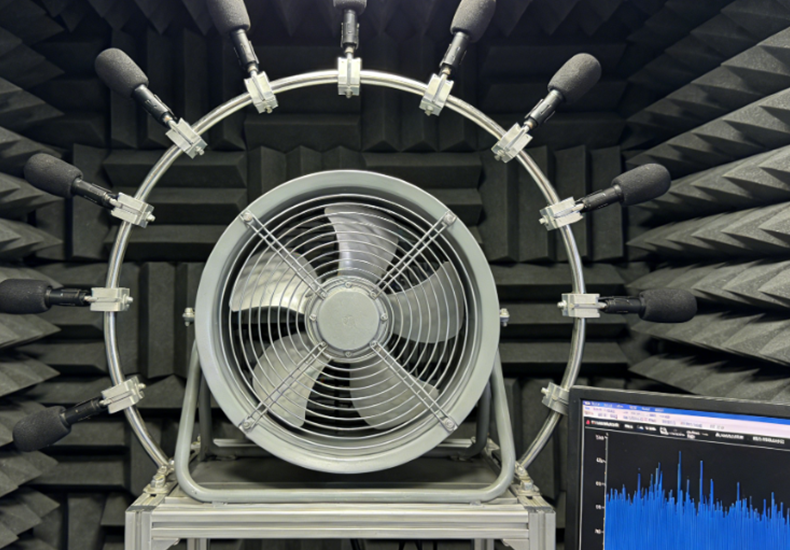
To judge whether a low noise figure is truly reliable, you need to look at the conditions under which it was measured. Check how far the microphone was placed (typically 1 meter), what RPM the dc fan was running at, and what airflow or static pressure it was producing during the test. If a datasheet advertises an impressive dB(A) value but doesn’t say how that number was obtained, it’s safer to treat it as marketing copy rather than a trustworthy indicator of real-world noise performance.
2.Brushless DC Motor (BLDC)
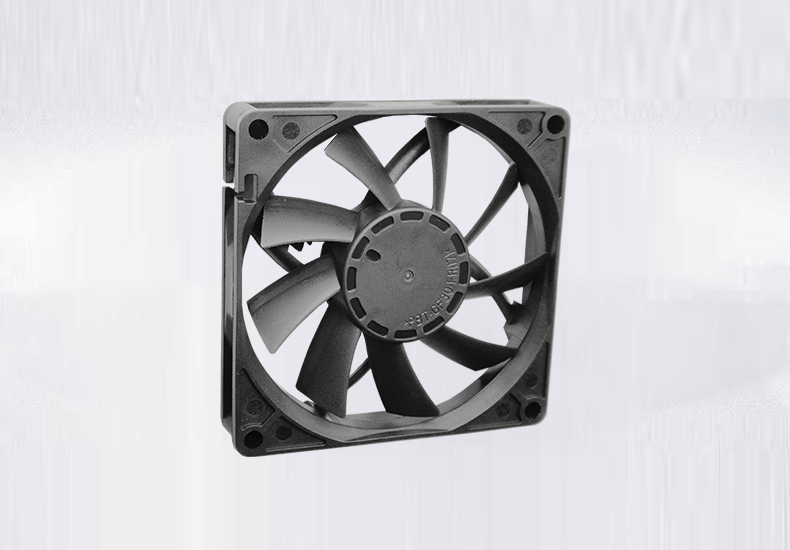
When low noise is a key requirement, choosing a dc fan built with a brushless DC motor (BLDC) is often the smartest approach. BLDC motors provide smoother shaft rotation, generate less electrical whining, and create lower mechanical vibration compared with brushed motors or small AC fan designs. They also maintain stable acoustic performance during long periods of continuous operation, which is essential for equipment like network hardware, communication servers, and automation systems that rarely power down.
Because of these advantages, BLDC dc cooling fans are commonly used in environments where silence and reliability are equally important. If long-term quiet performance is part of your specification, seeing “BLDC” clearly listed in the dc fan datasheet is a strong indicator that the product is engineered for quality.
3.Hydraulic / Fluid Dynamic Bearings (FDB)
Bearings are one of the most critical factors in determining how quiet a dc fan will be — not just on day one, but throughout its lifespan. Fans using hydraulic bearings or Fluid Dynamic Bearings (FDB) operate with lower friction and smoother rotation, even when running in warm conditions or under constant load. This helps them keep noise levels low for years rather than months.
Standard sleeve bearings may start out quiet, but as lubrication slowly evaporates or shifts, the fan can develop rattling, scratching, or erratic vibration. For applications that need dependable, long-term quiet cooling, selecting an FDB-equipped dc fan is usually a much better investment than opting for the cheapest bearing option available.
4.High-Quality Motor Engineering and Vibration Control
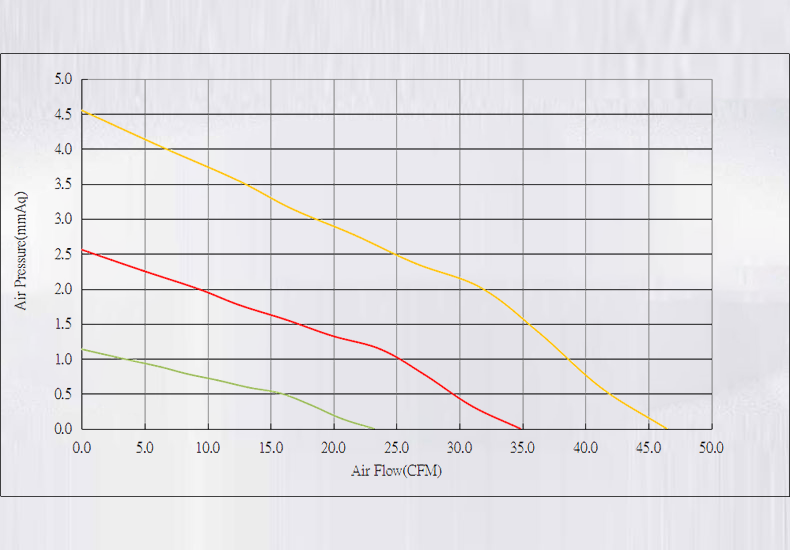
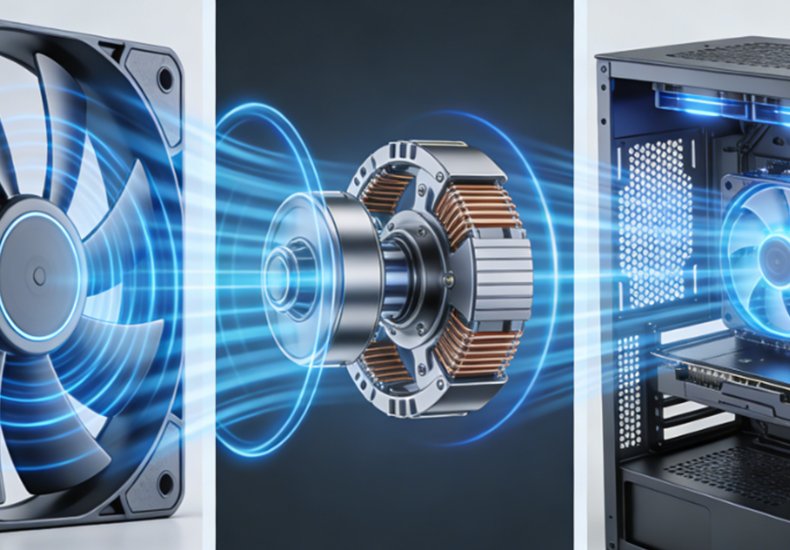
Even with a good bearing system, a dc fan can still produce unwanted noise if the motor structure and assembly aren’t precise. Higher-quality dc fans combat this through tightly balanced rotors, accurate machining tolerances, and internal layouts designed to prevent micro-vibrations from developing.
Additionally, vibration-absorbing features like rubber isolators or soft mounting pads help stop any remaining vibration from resonating through the device housing. By minimizing structure-borne vibration, both acoustic comfort and equipment longevity are improved—reducing hums, buzzes, and mechanical stress on surrounding components.
5.Aerodynamically Optimized Blade Design
A dc fan's blade geometry has a major influence on how loud it will sound. Well-designed quiet fans shape airflow smoothly, minimizing turbulence—the main cause of airflow noise—while precision balancing ensures the blades do not introduce unnecessary vibration. Blade profiles are also tailored to avoid sharp, uncomfortable tonal peaks that the human ear easily picks up.
Many premium low-noise dc fans feature asymmetric or multi-angle blade designs to break up airflow patterns and soften the sound. The result is quieter performance at equivalent speeds and a more pleasant, less harsh acoustic signature during operation.
6.Reliable Manufacturers and Honest Noise Data
The reputation of the dc fan manufacturer can tell you a lot about the truth behind the numbers. Brands with proven expertise in low-noise engineering typically provide detailed specifications, complete noise curves, and realistic lifetime expectations — not just a single clipped dB value taken under ideal conditions. As a reliable dc fan supplier, YCCFAN, for example, has invested in dedicated noise-testing facilities, allowing its engineering team to validate acoustic performance in-house and offer data that customers can actually trust.
Independent certifications such as Quiet Mark or testing from recognized third-party labs provide additional proof that the fan performs as advertised. Conversely, vendors that rely only on vague marketing phrases like “ultra quiet” without supplying measurement conditions or data should be approached with caution. Clear, transparent information builds trust — empty claims do not.
How to Verify a DC Cooling Fan’s Noise in Practice
Even with a detailed datasheet, the most reliable way to know whether a dc cooling fan is truly quiet is to test it yourself. The checks below are simple to do, don’t require special equipment, and can quickly reveal problems that numbers on paper won’t show.
1.Listen to the Sound
Power the dc fan in a quiet room and really listen to it for a moment. Ideally, you should mainly hear a soft, smooth airflow—a gentle “whoosh” that easily fades into the background.
Pay attention to any unusual sounds, such as:
Ticking or tapping – may indicate imbalance, loose parts, or bearing defects
Buzzing or a high-pitched whine – often linked to driver electronics or motor resonance
Scraping or grinding – usually means internal friction from misalignment or worn components
If you have more than one dc fan sample, compare them side by side under the same conditions. When two “identical” fans sound very different, it’s often a sign of inconsistent manufacturing quality. You can also try slowly changing the fan’s orientation while it’s running—gravity sometimes makes hidden bearing issues easier to hear.
2.Feel for Vibration
Next, check how the dc cooling fan feels in your hand. While it’s running, gently hold the frame with your fingertips. A good-quality fan will feel stable and smooth, with only light, even vibration. Strong shaking, pulsing, or a rough sensation usually points to poor rotor balance or motor irregularities.
Then install the dc fan in the actual chassis, cabinet, or device where it will be used. If the noise becomes significantly louder once mounted, the fan’s vibration may be exciting the structure and causing resonance, which turns small vibrations into noticeable hums or rattles. This can mean the fan’s vibration control isn’t good enough—or that the enclosure needs better damping.
A simple test is to press lightly on the chassis while listening. If the noise suddenly drops, resonance is likely the main culprit.
3.Check Motor Temperature
Finally, evaluate how the dc cooling fan behaves thermally. Let it run at its rated voltage and in conditions similar to your real application for several minutes. Then switch it off and, after a short pause, carefully touch the hub or motor area.
Here’s what you’re looking for:
Warm → normal and expected
Very hot → possible efficiency issues or an overloaded design
Sudden heat spikes during speed changes → could point to control or drive circuit problems

A dc cooling fan that consistently runs too hot is working harder than it should, which may be due to a poorly designed motor, restricted airflow around the fan, or excessive internal friction. If the fan stalls or airflow is blocked, overheating becomes more than just a performance problem—it can turn into a long-term reliability issue or even a safety risk.
Conclusion
A quiet dc fan isn’t the result of a single “low dB” number—it’s the combination of good aerodynamics, quality bearings, a well-designed BLDC motor, proper balancing, and thoughtful mounting. Paying attention to key features such as realistic noise ratings, FDB or hydraulic bearings, optimized blade design, and the reputation and transparency of the manufacturer helps you filter out products that only look good in marketing brochures.