




How to Cool a Router Without Air Conditioning: Cooling Fans Are a Good Option
Routers are the backbone of modern communication and internet connectivity. However, like many electronic devices, they generate heat during operation. Overheating can lead to poor performance, connectivity drops, and potentially even hardware damage. If you're trying to cool your router without air conditioning, a cooling fan is a great solution.
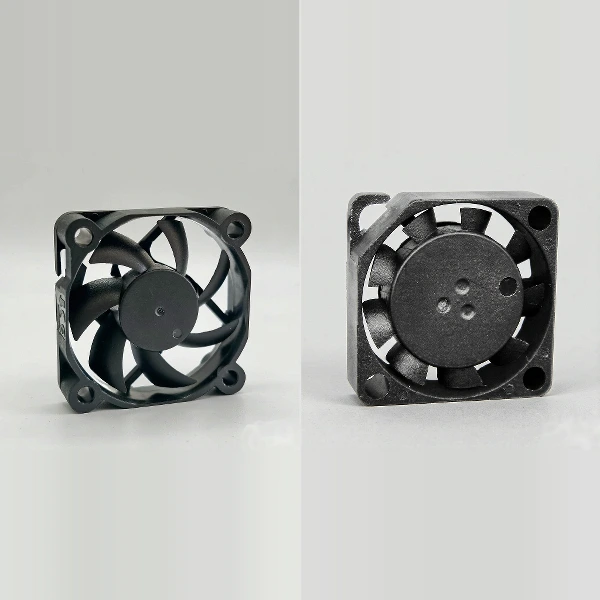
This guide will explain how to use a cooling fan to cool your router efficiently(especially micro cooling fans and small cooling fans), using different types of fans, their benefits, and how to ensure the best results with the right fan type for your environment. We'll also cover the importance of proper placement, cleaning, and how to choose the right cooling fan supplier like YCCFAN to meet your needs.
Why Does Your Router Need Cooling?
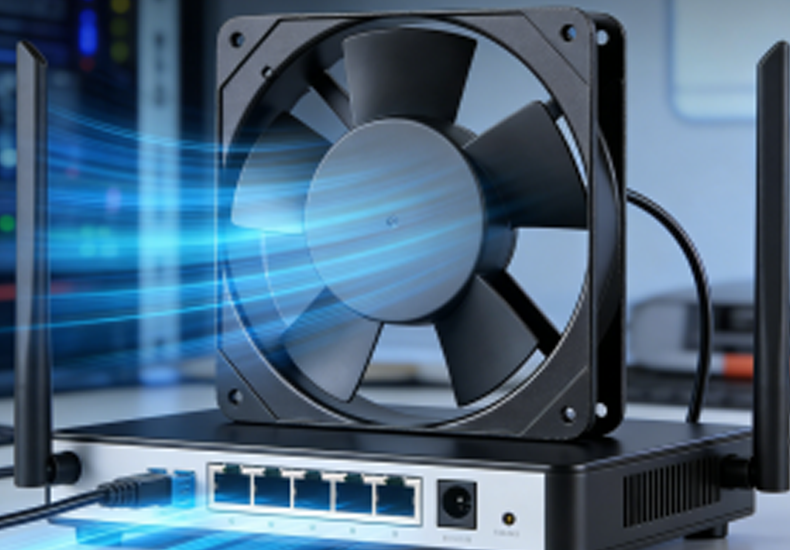
Routers, like most electronic devices, generate heat when they're in use. This is especially true during periods of heavy data usage or high traffic. If your router is constantly running hot, it can lead to a number of issues, such as:
Performance degradation: Routers may slow down or experience intermittent connectivity.
Hardware damage: Overheating can lead to permanent damage over time.
Shortened lifespan: Excessive heat accelerates wear and tear, shortening your router’s life expectancy.
This is where an industrial cooling fan comes into play. Cooling fans, including micro cooling fans, small cooling fans, and blower fans, can help maintain optimal temperatures and ensure your router performs well for a longer time.
Why Active Cooling is Better Than Passive Cooling
Passive cooling methods, such as relying on the router's heat sink or natural ventilation, can be insufficient for high-performance routers or those under heavy load.
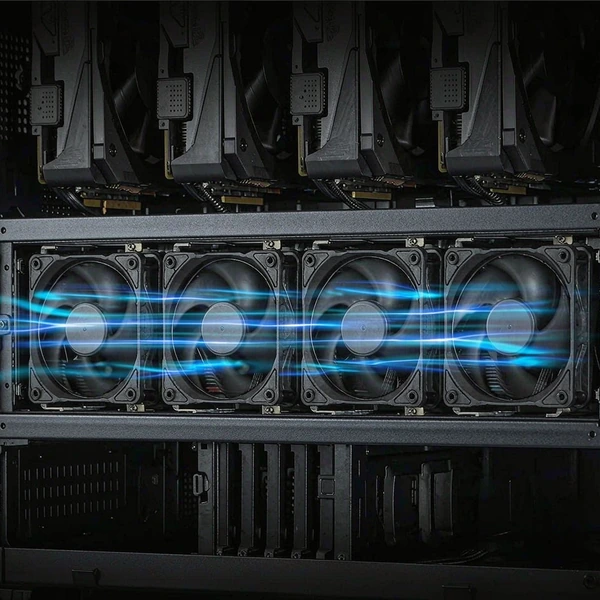
Active cooling, achieved with a cooling fan, offers much more control over the temperature by actively moving air around the device.
Common Ways to Cool a Router
Passive Cooling
Passive cooling relies on the router's design, such as heat sinks or simple ventilation, to dissipate heat.
While this is a good initial step for cooling, it can be ineffective in larger routers or when they're under heavy usage.
Active Cooling with Cooling Fans
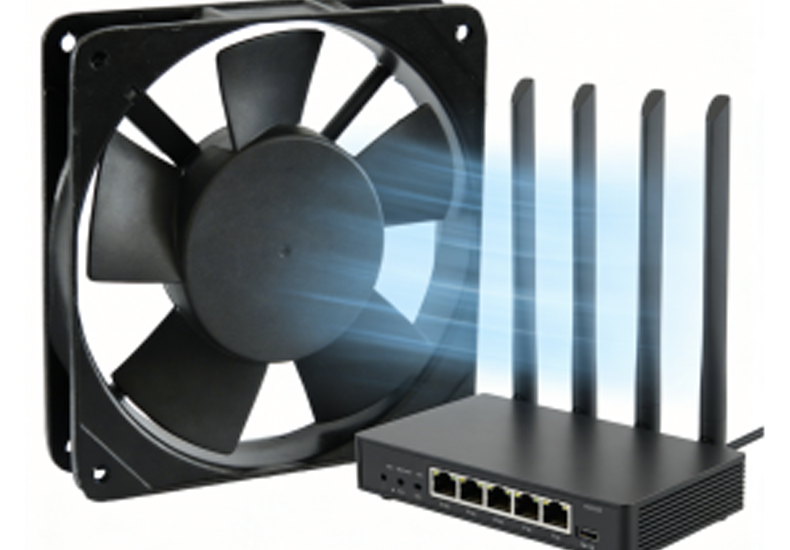
Active cooling systems, such as a small cooling fan or a micro cooling fan, provide a more effective solution. These fans circulate air around the router to help dissipate heat much more efficiently than passive cooling methods.
How to Cool Your Router in Different Spaces Without Air Conditioning
Cooling a router effectively depends on its environment. Here are a few ways to cool your router in different spaces without air conditioning.
Cooling in Small Rooms or Offices
In small spaces, a micro cooling fan is an excellent option due to its compact size and ability to cool without taking up much space.
A small cooling fan can be placed directly near the router to ensure airflow is directed where it’s most needed.
Cooling in Larger Rooms or Open Areas
For larger rooms, or in situations where the router is placed away from a vent or window, a DC blower or blower fan can be more effective. These fans offer higher air pressure, making them ideal for cooling routers in open spaces.
The blower fan can be positioned strategically near the router to create consistent airflow across the device.
How to Position Your Cooling Fan
Place the fan near the router to direct airflow across the device, ensuring maximum cooling efficiency.
Ensure there is no obstruction around the fan or router, as that can block airflow and reduce cooling performance.
How Does a Cooling Fan Help Cool Your Router?
The Science Behind Cooling Fans
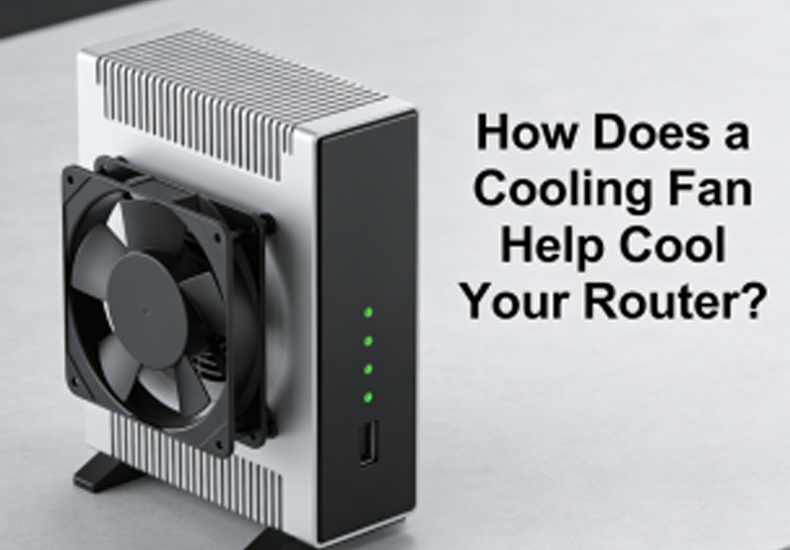
Cooling fans, such as micro cooling fans or small cooling fans, operate by moving air around the router. Here’s how they work:
Air Intake: The fan pulls cooler air into the space, replacing the hot air around the router.
Heat Dissipation: The router releases heat into the surrounding air, which is then carried away by the fan’s airflow.
Continuous Airflow: By maintaining a constant flow of air, the cooling fan ensures that the router stays cool during operation.
Focused Airflow with Blower Fans
A blower fan works slightly differently, offering directed airflow to specific areas of the router, focusing on the parts that generate the most heat. This can be useful for routers that have hotspots near certain components.
How to Use a Cooling Fan to Cool Your Router Faster
To achieve the best cooling performance, it's essential to use the fan in the right way.
Positioning the Fan
Place the fan close to the router so that it directly influences the airflow around the device.
Make sure there are no obstructions between the fan and the router, as this will reduce the airflow efficiency.
Choosing the Right Size Fan
A micro cooling fan is perfect for small routers or devices in tight spaces.
A small cooling fan is better suited for larger routers or setups that require more airflow.
Speed Control and Adjustable Fans
Some DC blower fans come with adjustable speed settings, allowing you to change the airflow based on the router’s workload:
Higher speeds for heavy data usage or when the router is under stress.
Lower speeds for quieter operation during idle or light usage.
How to Clean Your Cooling Fan for Better Performance
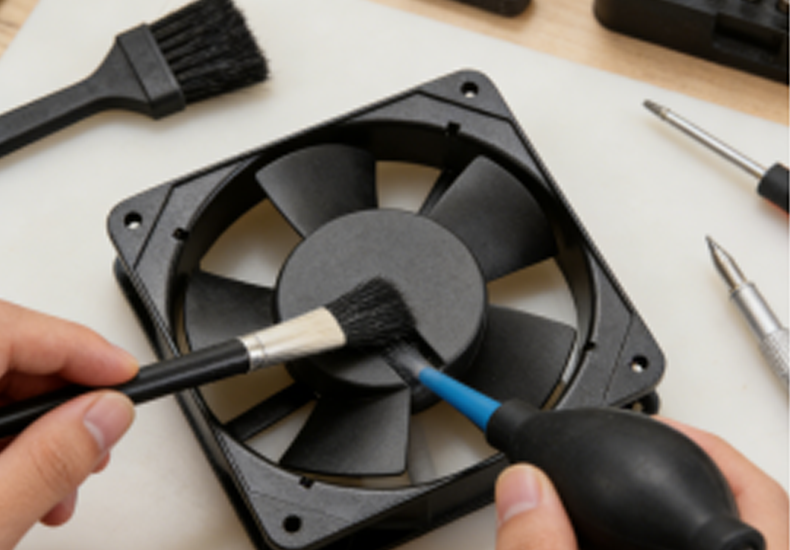
Importance of Cleaning Your Cooling Fan
Dust and dirt can build up on the fan blades over time, reducing the fan's ability to move air efficiently. Regular cleaning ensures the cooling fan works at peak efficiency, maintaining proper airflow and cooling performance.
Cleaning Steps
Turn off the router and unplug the fan.
Use a soft brush or compressed air to clean the fan blades and remove dust.
Wipe down the fan’s casing to remove any dirt or dust buildup.
Check for airflow blockages around the router and ensure that nothing is obstructing the fan’s intake or exhaust.
How to Extend the Lifespan of Your Cooling Fan
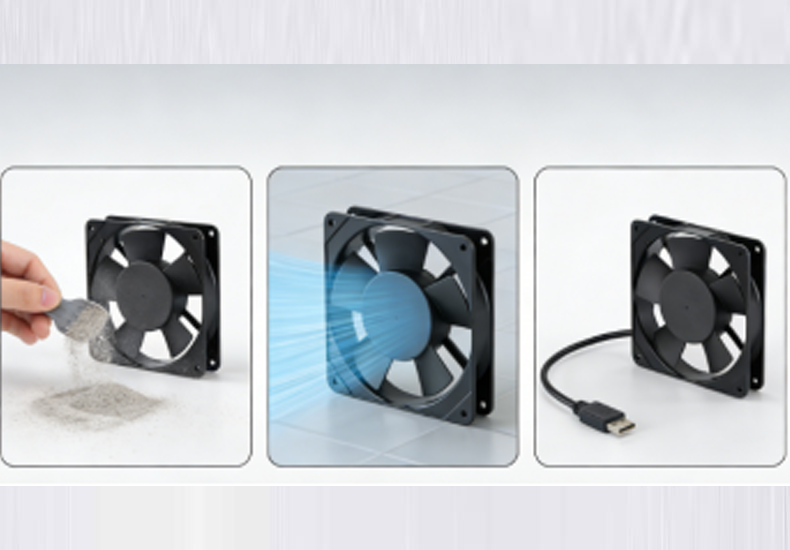
Regular Maintenance
To extend the lifespan of your cooling fan, perform the following tasks regularly:
Clean the fan every 1-2 months.
Check for wear and tear on the motor and fan blades.
Lubricate the fan bearings if necessary (check manufacturer guidelines).
Proper Usage
Only use the cooling fan when needed, such as when the router is under heavy load or in a high-temperature environment.
Avoid running the fan constantly when not required to prevent unnecessary wear.
How to Choose the Right Cooling Fan Supplier
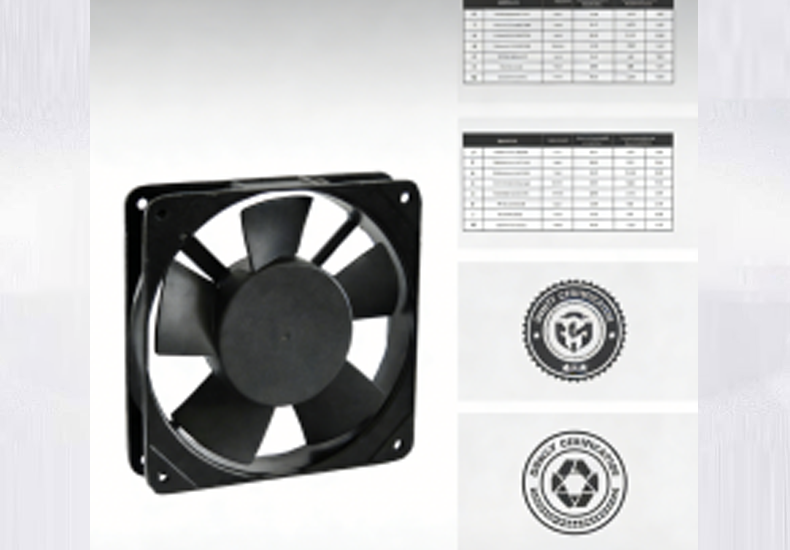
Choosing the right cooling fan supplier is crucial for ensuring the right fan for your router’s needs. Here’s what to look for in a supplier:
Key Features to Look For
Quality control: Ensure the supplier has strict manufacturing and testing standards.
Product variety: Look for suppliers that offer micro cooling fans, small cooling fans, DC blowers, and blower fans to meet different needs.
Customer support: Choose a supplier that provides excellent pre-sales advice and post-sales service.
Questions to Ask Cooling Fan Suppliers
What cooling fan options do you offer?
Do you have fans designed for compact spaces?
What is your warranty and return policy?
Can you provide guidance on fan placement for routers?
Suppliers like YCCFAN offer a range of options and expert advice to help you select the right cooling solution for your router.
Conclusion: Cooling Fans Are the Best Option for Cooling Your Router Without Air Conditioning
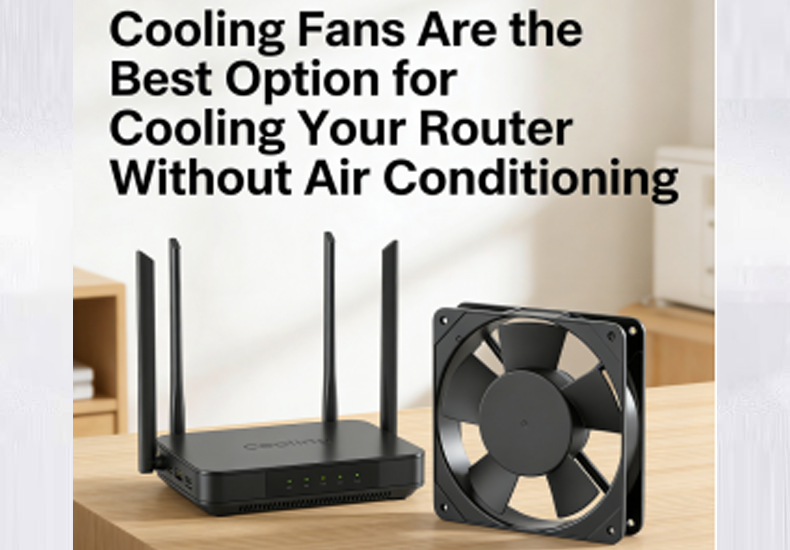
Cooling your router with a cooling fan is an efficient and affordable solution, especially when air conditioning isn’t an option. By choosing the right micro cooling fan or small cooling fan, you can extend your router’s lifespan, prevent overheating, and improve its performance.
In summary, keeping your router cool without air conditioning is both practical and cost-effective when you choose the right cooling fan solution. By understanding why routers overheat, selecting the appropriate fan type—whether a micro cooling fan, small cooling fan, DC blower, or blower fan—and applying correct placement, cleaning, and maintenance practices, you can significantly improve router stability and lifespan. Partnering with a reliable supplier such as YCCFAN further ensures product quality, technical support, and long-term reliability. With a well-planned cooling strategy, even spaces without air conditioning can maintain efficient, stable, and uninterrupted network performance.
Read more: